

What is a revision?
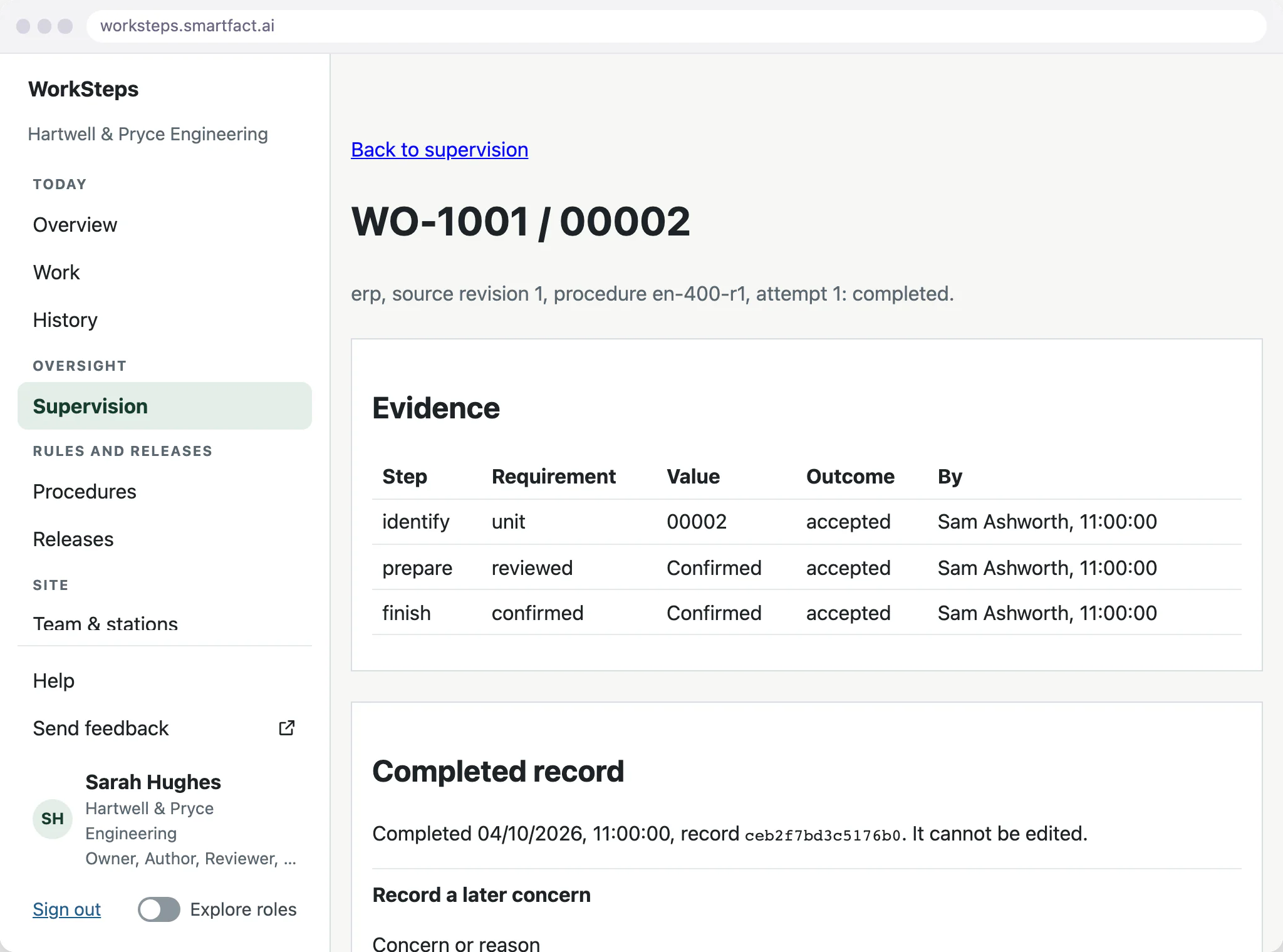
A procedure is edited as a draft. Saving the draft records a new numbered revision, with a note saying why if you add one, and changes nothing on the floor: published releases and travellers already issued stay as they were.
Steps are versioned too. Changing a step’s wording needs a new step revision; an existing one never changes.
How is a revision proved?
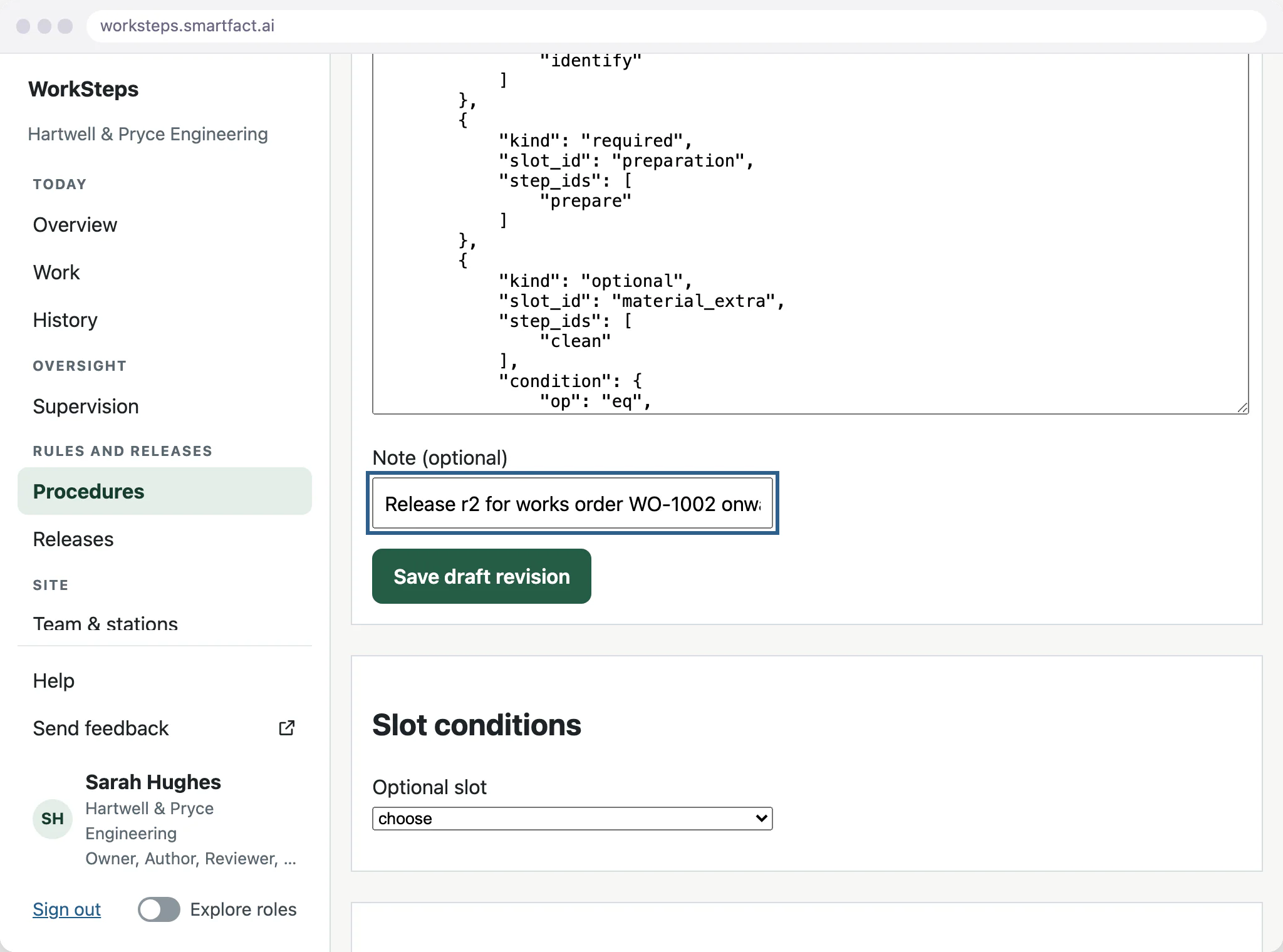
Locking a revision makes an unchangeable candidate and runs every current example against it: examples whose expected route was written independently. The proof also checks that every optional step is covered both when selected and when omitted. A reviewer can publish only the exact candidate that a current, passing proof covers.
Who approves the release?
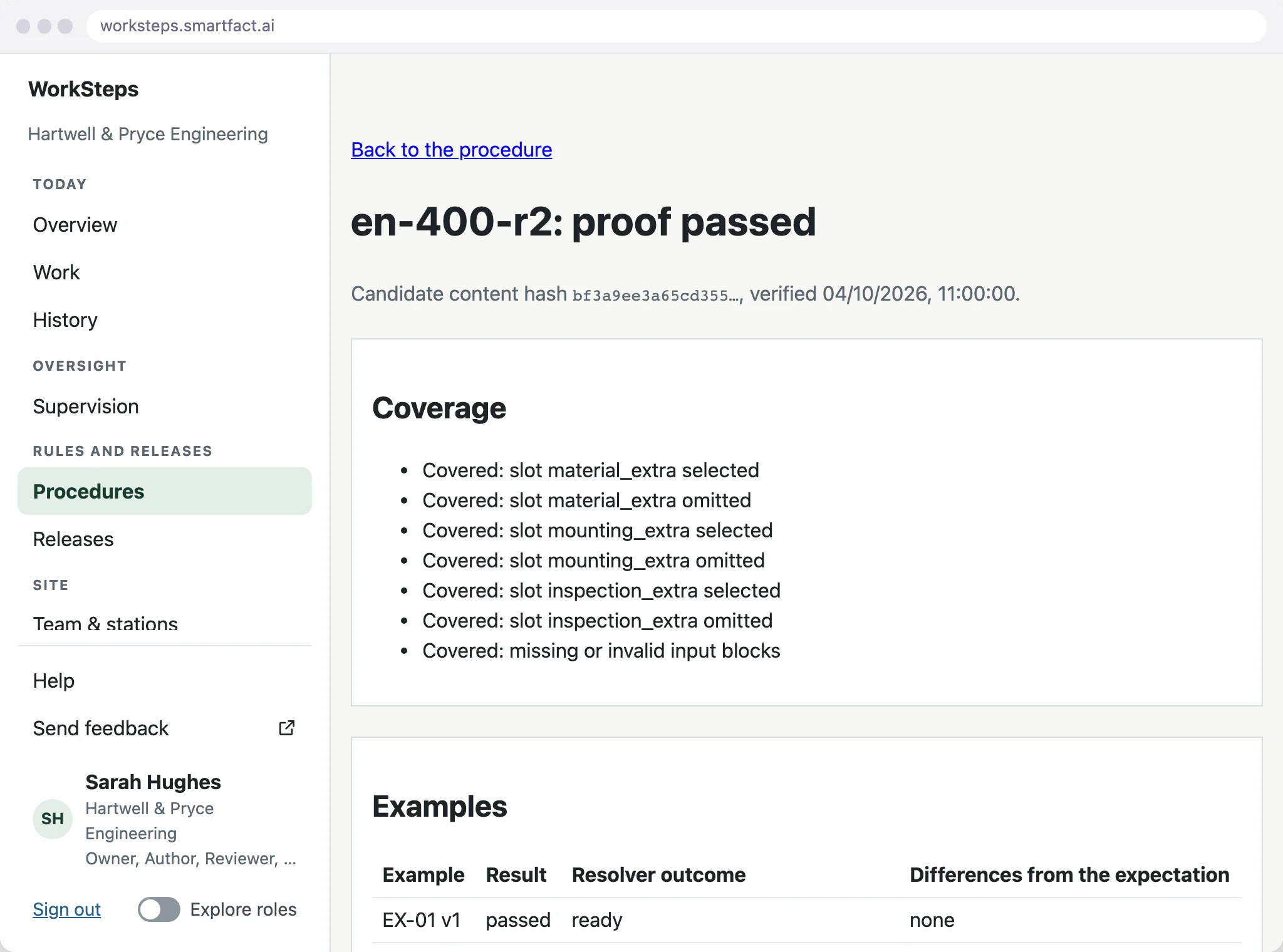
A reviewer publishes the proven revision. Authors and reviewers are separate roles, so normally someone other than the author approves the release.
If the person publishing also wrote or locked the revision, WorkSteps records the publication as self-approved and asks for a reason, which stays with the release.
What do issued units keep?
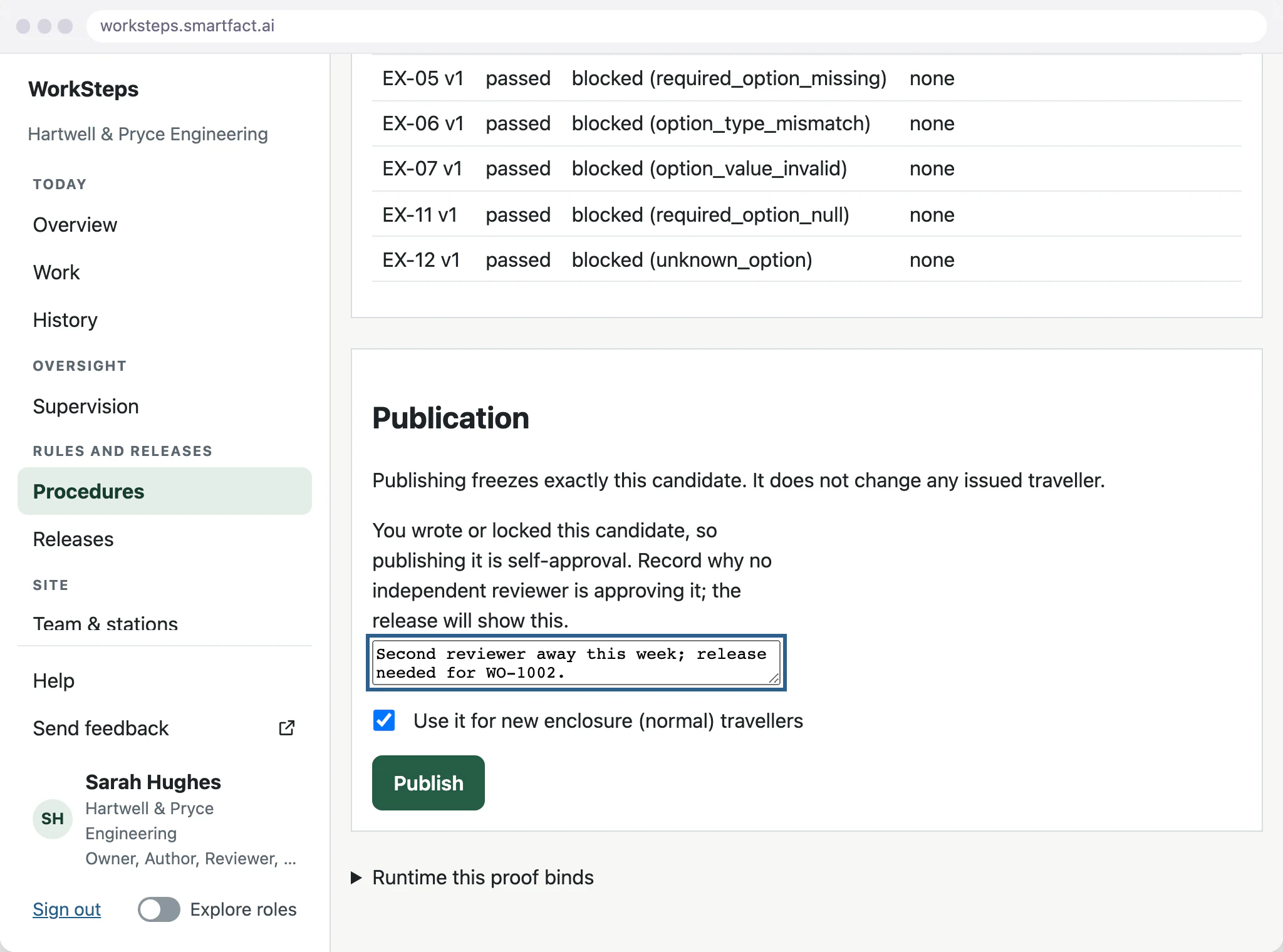
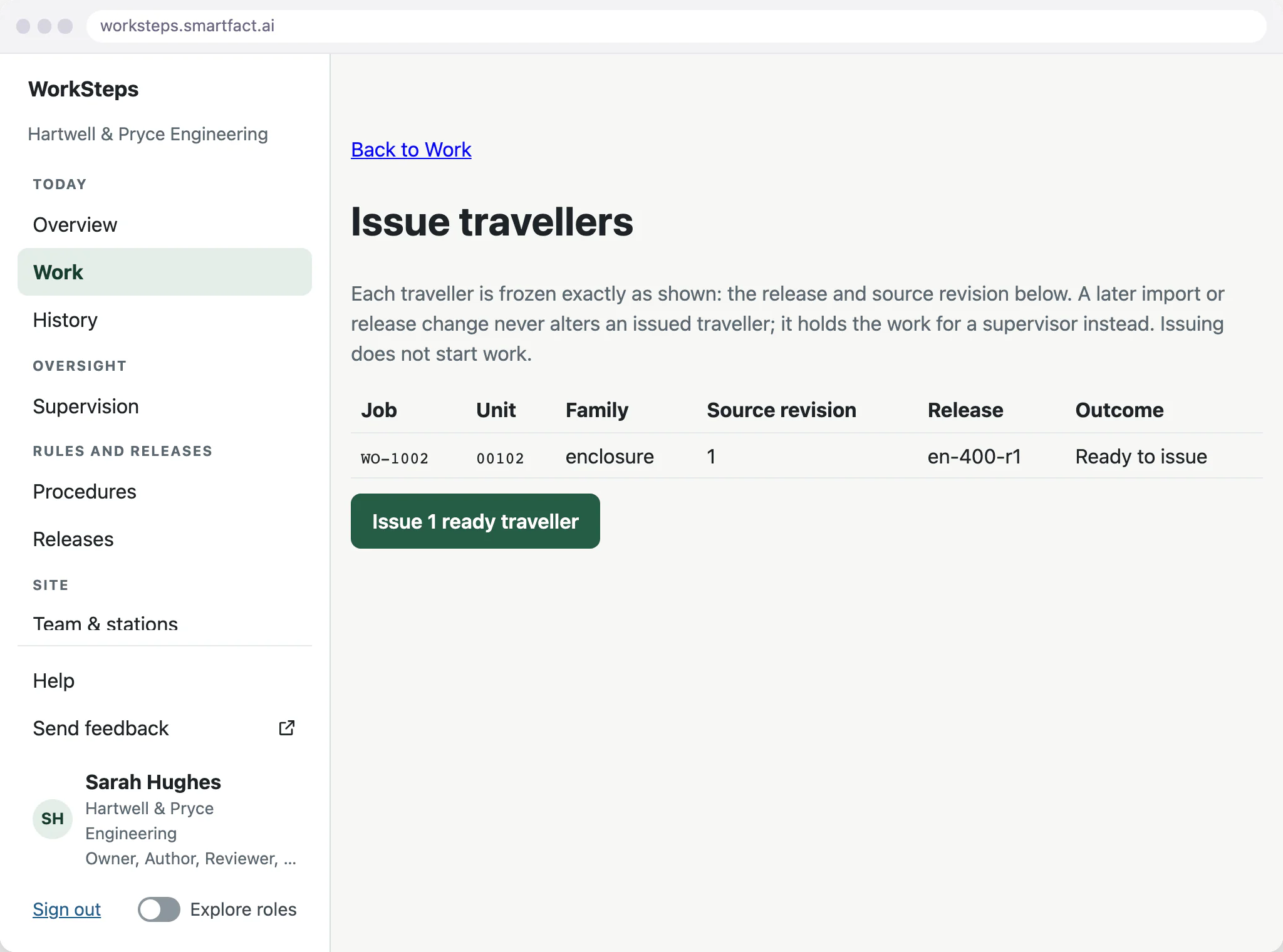
Issuing a unit freezes its traveller: the release, the source revision of the unit’s data, the selected steps, their wording and their values. A later release or a later import cannot change it.
At the station, the unit shows the procedure release and the traveller it was issued with, so the operator works to exactly those instructions.
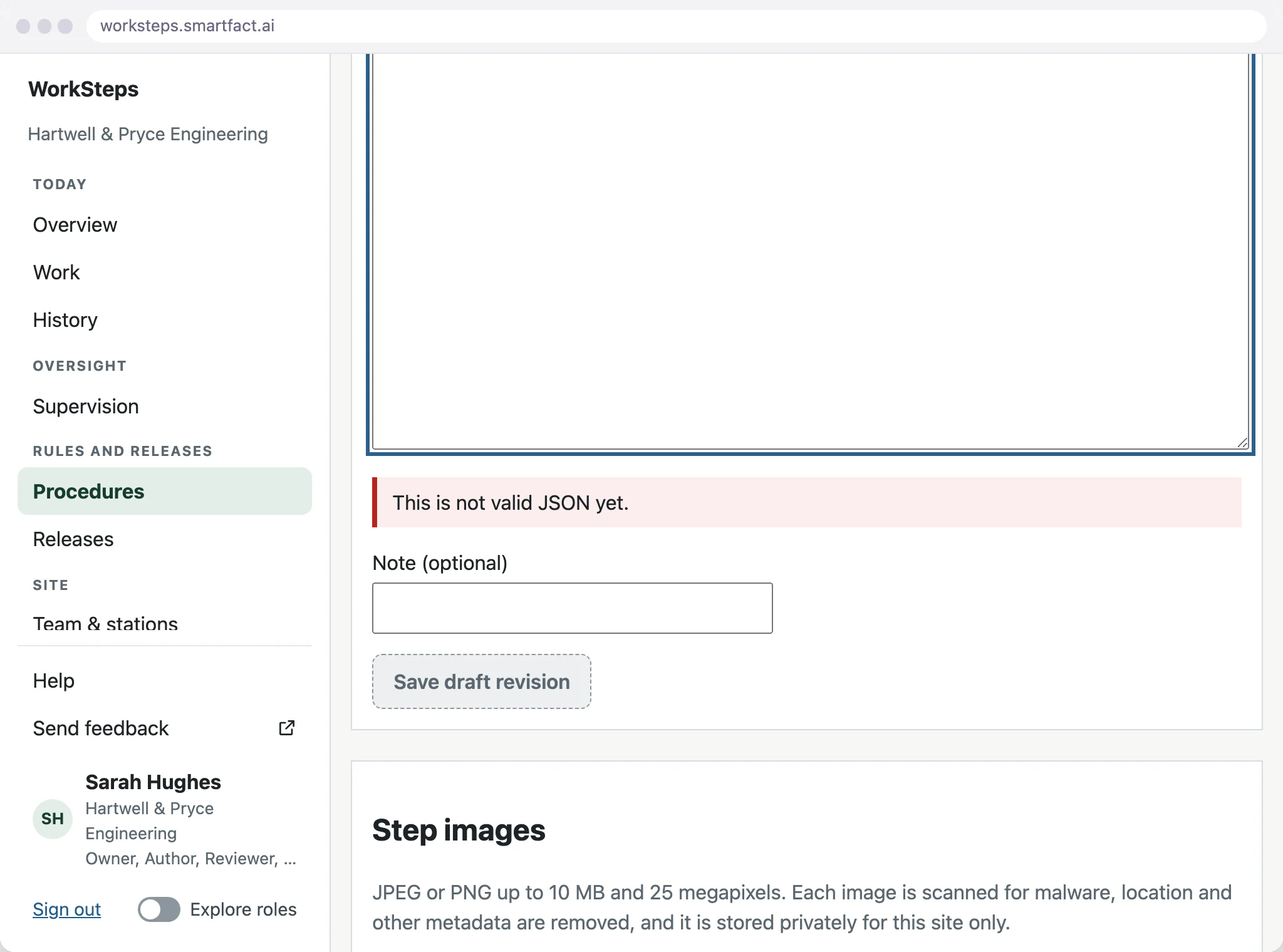
What stops an invalid draft?
The editor checks the definition as it is written. Invalid text disables saving, so it never becomes a revision, a candidate or a release, and the published release stays in use.
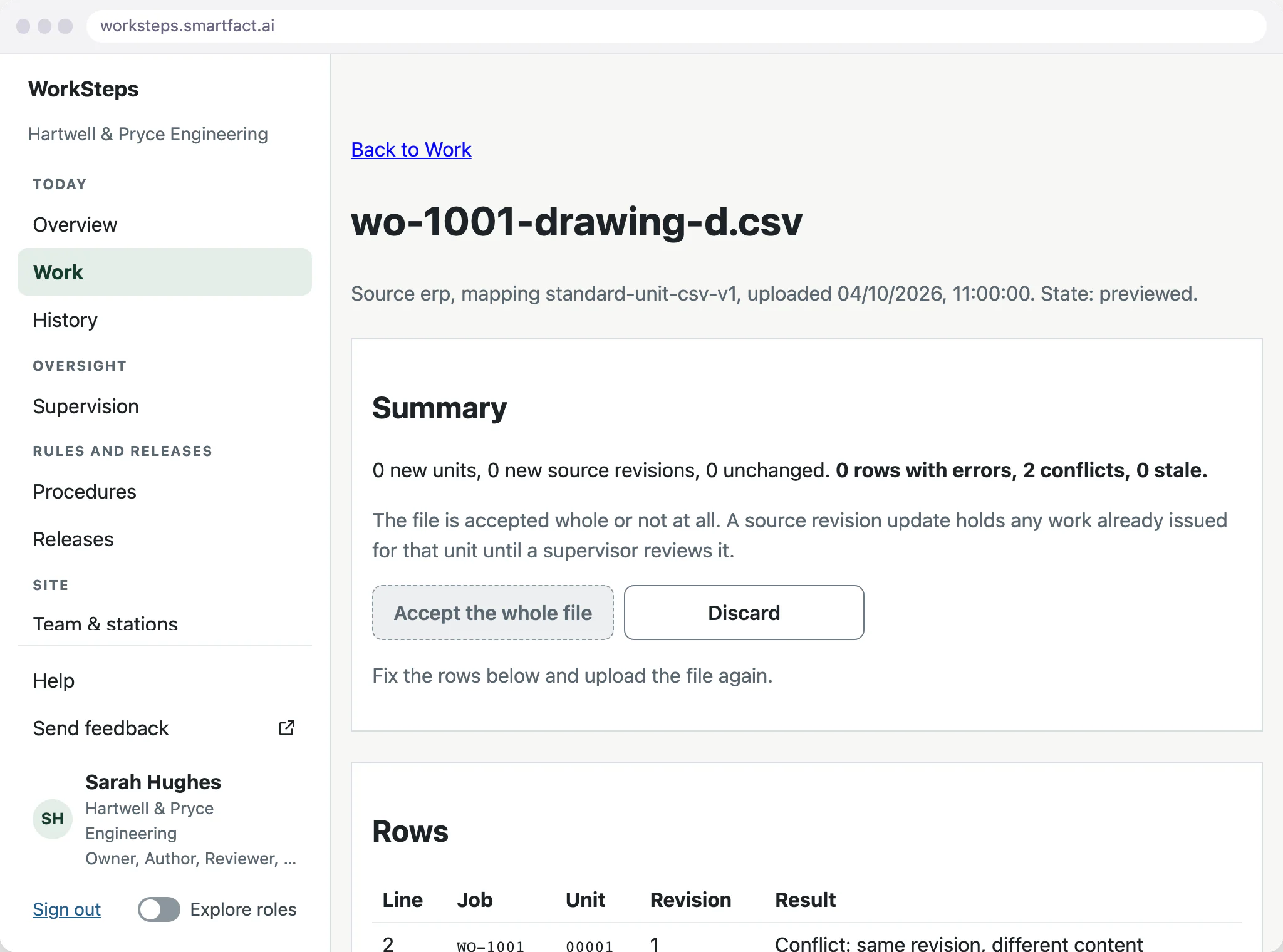
Changes to work already issued
A genuine change to a unit’s data must come with a higher source revision. A file that changes a unit under the same revision is rejected as a conflict, and discarding it leaves issued travellers as they were.
When an accepted source change affects work already issued, that work is held until a supervisor reviews it and decides what happens to the traveller.
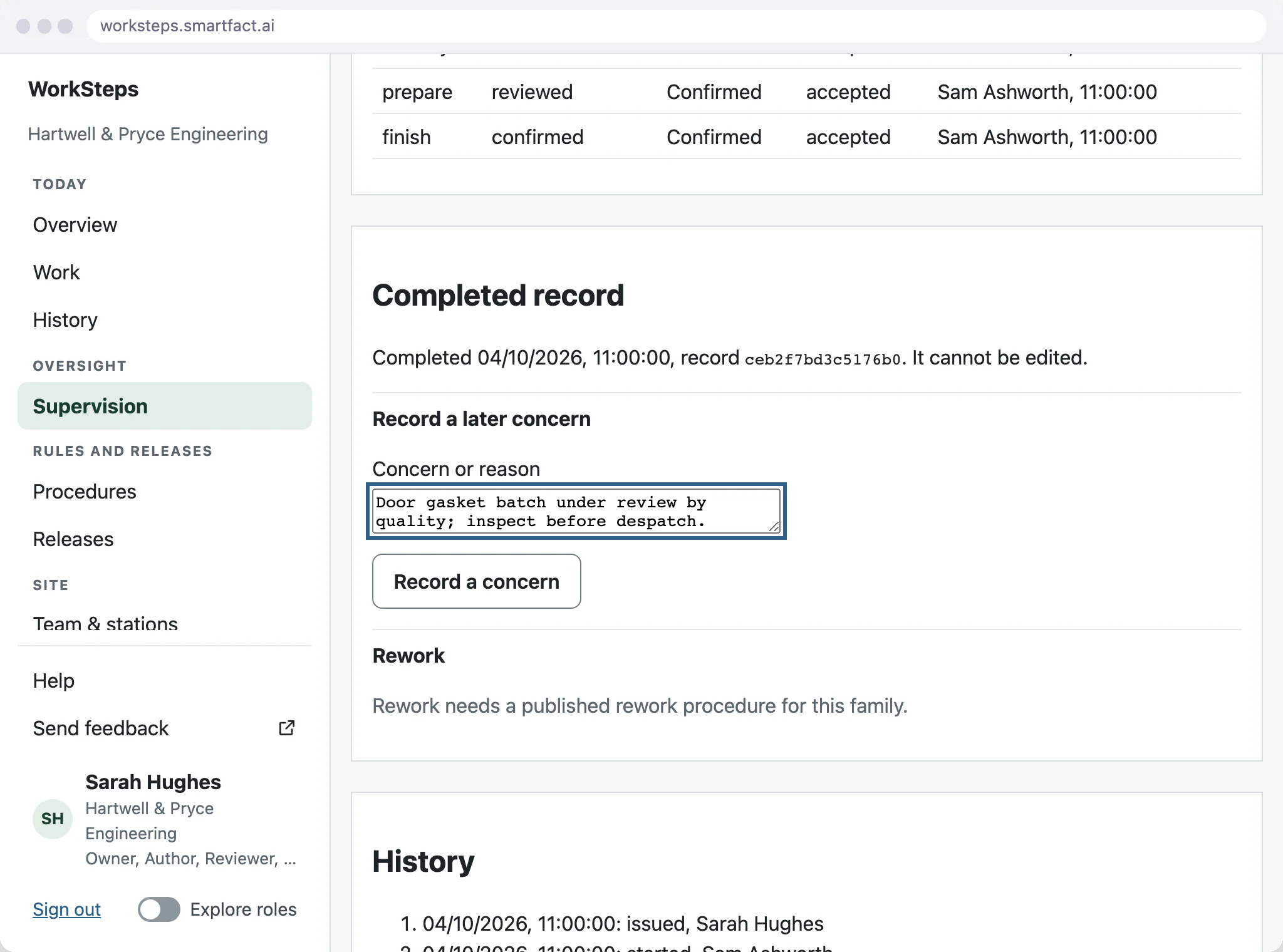
What happens to completed work?
Completed work is never rewritten. Its record keeps the evidence accepted at each step, who supplied it and when. A later concern is added to the record alongside the original completion, and rework uses its own published rework procedure.
What WorkSteps does not do
- Control of other documents, such as drawings or PDFs. WorkSteps versions its own procedures and steps.
- Regulated electronic signatures or certified compliance. A sign-off is a named WorkSteps confirmation with its history.
- Training or competency records.
Common questions
What does a completed traveller prove?
It records that the required evidence was accepted against the instructions issued for that unit. It does not by itself prove physical assembly, inspection conformity or permission to dispatch.
Can a published release be edited?
No. A change is saved as a new draft revision, proved and published as a new release. Units already issued keep the release they were issued with.
Start free at one station and pay when you grow. While SmartFACT is in early access, we set your first workflow up with you.


